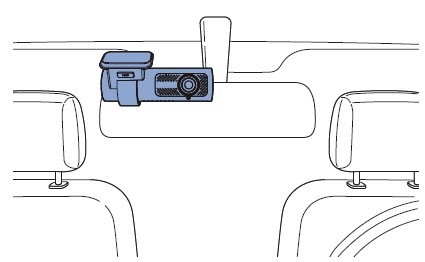
1) Locate the Type – C Port and Plug in the USB-C PD 3.0 Power Cable
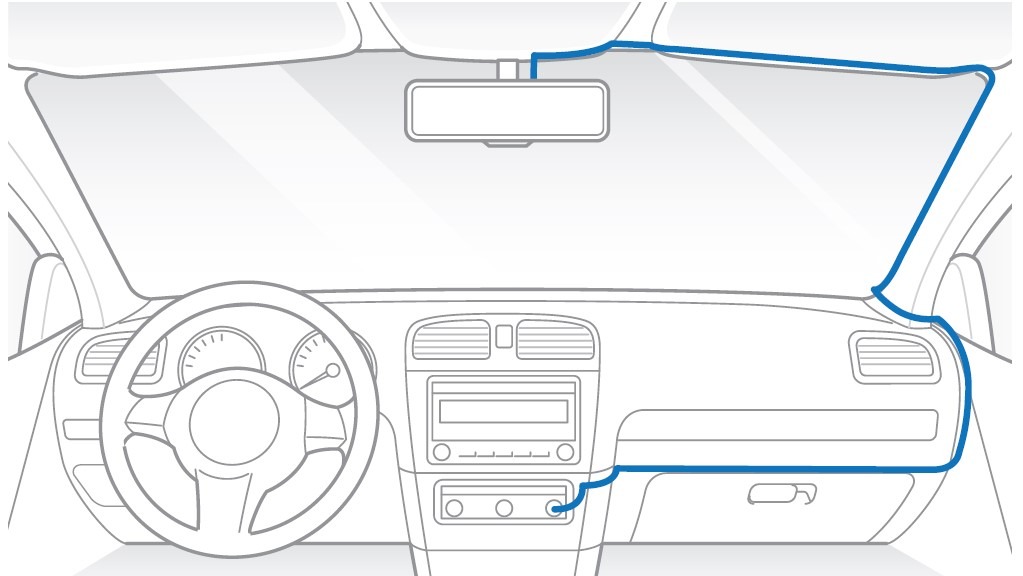
The type-C port is usually located besides the passenger seat (actual location may depends on your vehicle).

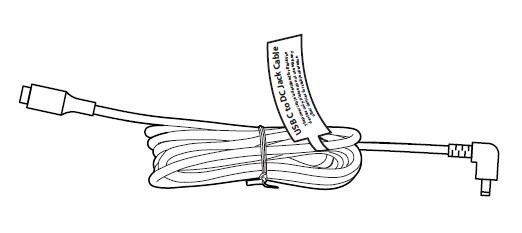
Type-C adapter is required in case:
- There’s no type C port in your vehicle
- The type-C port in your vehicle does not support power delivery 3.0
- Battery Pack (B-130X) Users

* The trademark of lightning symbol near the type C port can identify that the vehicle supports power delivery 3.0.
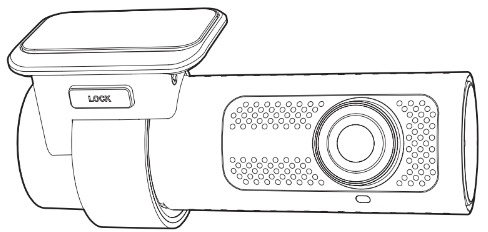
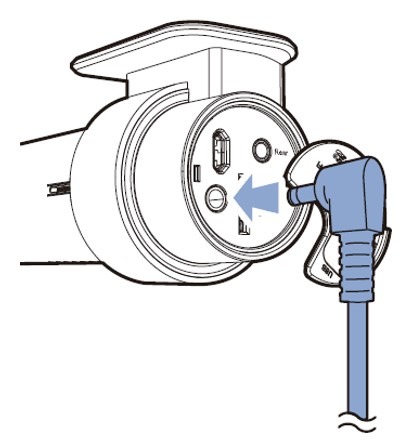
2) Plug the USB-C PD3.0 Power Cable to the DC-in port on front camera
Grab the DC in side of USB-C PD 3.0 Power Cable and plug it into the DC-in port on front camera.
3) Hiding Wires
Use the pry tool to lift the edges of the rubber window sealing and molding then tuck the USB-C PD3.0 power cable inside.
4) Turn on the engine
The BlackVue dashcam will power up and start recording.