
How to check if my vehicle is compatible?
Step 1. After purchasing the BOC-300, plug it into the OBD port of your vehicle, Turn the ignition on and make sure the red LED on the BOC-300 lights up and stays on.
Step 2. Turn the ignition off: the BOC-300 LED should turn off.
If both steps 1 and 2 happen as excepted, it means the BOC-300 and your vehicle are compatible
If the BOC-300 doesn’t respond as shown above after installation, please contact our Customer Support.
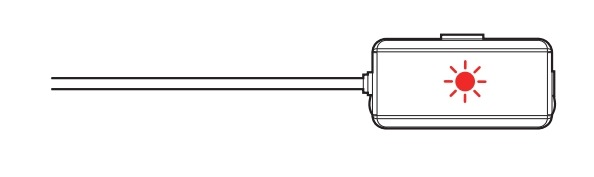
LED ON Status


